
Pet Cameras for Dogs Home Alone: Are They Worth It?
Wondering if a pet camera for your dog home alone is worth the cost? Honest breakdown of features, subscriptions, and what cameras can't do.

Written by Bradley Brown
Founder & editor · Reviewed 2026-11-13
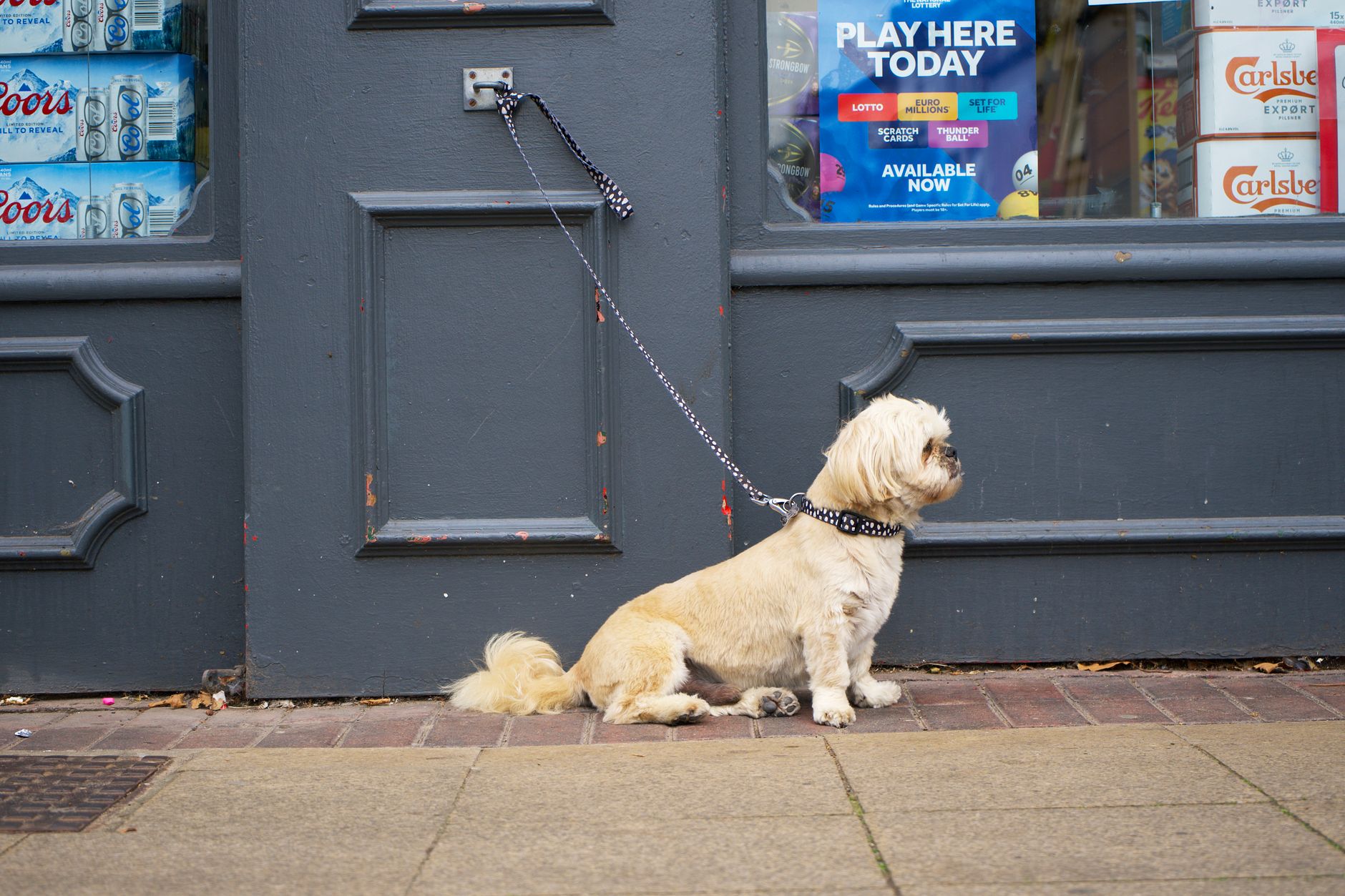
Leaving a dog home alone and not knowing what's happening is genuinely stressful. A pet camera promises to fix that — but the reality is more nuanced. Some cameras are genuinely useful tools; others are expensive guilt-reducers that don't change much for your dog. Here's an honest look at your three main options so you can decide what actually fits your situation.
The Three Options on the Table
Option 1: A basic pet camera (video only) Option 2: An interactive camera (two-way audio + treat tossing) Option 3: No camera — investing that money in enrichment or dog care instead
What a Pet Camera Can Actually Tell You
Before spending anything, it's worth being clear about what camera footage genuinely shows you — and what it doesn't.
A camera will tell you whether your dog is distressed, roughly when distress peaks, and whether the behaviours you're worried about (barking, destructive chewing, pacing) are actually happening or just feared. That diagnostic information is legitimately valuable. Many owners discover their dog spends most of the day asleep; others confirm a suspected separation anxiety problem they can then address with a trainer.
What a camera won't tell you is why your dog is distressed or fix the underlying issue. Watching your dog pace for three hours doesn't stop the pacing. This matters because some owners buy a camera hoping it will solve the problem rather than surface it.
Option 1: Basic Video Camera
What it is: A Wi-Fi camera with live feed and usually motion or sound alerts pushed to your phone. Reolink, Eufy, and similar brands offer solid options from around $60–$120 AUD with no mandatory subscription.
Who it suits: Owners who mainly want to confirm their dog is okay, spot genuine emergencies (a dog tangled in something, a health episode), or gather evidence of what their dog actually does while alone. If you're working with a trainer on separation anxiety, footage is often the first thing they'll ask for — a basic camera covers that perfectly.
Who it doesn't suit: Anyone expecting the camera itself to comfort or redirect a distressed dog. It won't.
Privacy note: Even budget cameras store footage somewhere. Check whether clips are saved to local storage (an SD card in the device) or uploaded to a cloud server overseas. For cameras that do use cloud storage, look in the app's privacy settings to disable continuous recording and limit data sharing. This applies to every brand.
Option 2: Interactive Camera with Two-Way Audio and Treat Tossing
What it is: Cameras like the Furbo or Petcube Bites add a speaker/microphone so you can talk to your dog, and a treat launcher you trigger remotely. Prices run $200–$350 AUD for the hardware, plus subscription fees of roughly $8–$20 AUD/month for features like "dog activity alerts," facial recognition, or extended cloud storage.
Who it suits: Owners of dogs that respond well to their owner's voice — typically dogs with mild boredom rather than genuine separation anxiety. The treat toss can interrupt low-level nuisance behaviour (like chewing a cushion) in the moment. Some owners also use it to reinforce calm behaviour remotely, which has real merit if your dog is food-motivated and not too aroused to respond.
Who it doesn't suit: Dogs with moderate to severe separation anxiety. Counterintuitively, hearing your voice through a speaker without you actually appearing can increase arousal and frustration in anxious dogs. If your dog already struggles, an interactive camera may make things worse, not better. It's also worth scrutinising the subscription: many of the most useful alert features sit behind a paywall, so the upfront hardware cost isn't the full picture.
On the alerts: Motion and sound alerts sound useful but generate a lot of noise — expect notifications every time a truck passes or a bird flies by the window. Bark-specific alerts (available on higher subscription tiers) are genuinely more useful. If alert fatigue causes you to start ignoring notifications, you've lost the main benefit.
Option 3: Skip the Camera, Redirect the Budget
A mid-range interactive camera plus a year's subscription costs $400–$600 AUD. That same money buys a meaningful upgrade in your dog's day: a few sessions with a certified separation anxiety trainer (look for a trainer with CSАТ credentials), a dog walker three days a week for two months, or a substantial enrichment kit — snuffle mats, Kongs, puzzle feeders, long-lasting chews — that actually reduces boredom at the source.
If your dog has genuine separation anxiety, this option is almost always better value. A camera documents the problem; professional guidance and enrichment address it.
The Feature Comparison
| Feature | Basic Camera | Interactive Camera |
|---|---|---|
| Live video | ✅ | ✅ |
| Motion/sound alerts | ✅ (most) | ✅ |
| Two-way audio | ❌ | ✅ |
| Treat tossing | ❌ | ✅ |
| Local storage option | ✅ (many) | Varies |
| Ongoing subscription needed | Usually no | Often yes |
| Upfront cost (AUD) | $60–$120 | $200–$350 |
The Recommendation
For most dogs left home alone, start with a basic camera. The footage tells you what you're actually dealing with — and that determines every other decision. If your dog is genuinely fine, you've saved yourself $400 and a lot of overthinking. If the footage reveals real distress, you now have evidence to take to a trainer, and you haven't wasted money on treat-tossing features that won't help an anxious dog.
Upgrade to an interactive camera only if the footage confirms your dog experiences mild boredom (not anxiety) and you've confirmed they respond to your voice calmly rather than escalating.
If the footage shows significant distress — sustained pacing, vocalising, destructive behaviour within the first 30 minutes of you leaving — skip the camera upgrade entirely and put that money toward a qualified trainer. A five-minute check-in via treat cam won't undo what separation anxiety does to a dog across an eight-hour day. Knowing what's wrong is the first step; the camera has already done its job.
As an Amazon Associate we earn from qualifying purchases.
Frequently asked questions
Can a pet camera help with separation anxiety in dogs?
A camera is useful for diagnosing separation anxiety — footage often confirms what's really happening while you're away and gives a trainer the evidence they need. However, the camera itself won't treat anxiety. For moderate to severe cases, two-way audio can actually increase a dog's distress, so an interactive camera may do more harm than good without professional guidance.
Do pet cameras for dogs require a subscription?
Basic cameras (Reolink, Eufy, and similar) often work without a subscription, storing footage locally on an SD card. Interactive cameras like Furbo or Petcube typically offer core functions for free but lock the most useful alert features — extended cloud storage, bark notifications, activity reports — behind monthly plans ranging from roughly $8–$20 AUD. Read the fine print before buying.
Is it safe to talk to your dog through a camera?
For dogs that are bored but otherwise settled, hearing your voice can be reassuring. For anxious dogs, it can backfire — your voice raises their arousal and hope that you're returning, then when you don't appear, the disappointment can worsen stress. Observe your dog's reaction carefully: if they escalate after you speak, stop using the two-way audio feature.
Where should I position a pet camera at home?
Place the camera in the area your dog spends most of their time alone — usually the main living area or wherever they tend to settle. A wide-angle lens helps cover more ground. Avoid positioning it somewhere the dog never goes, or you'll spend the day watching an empty room.
Are pet cameras a privacy risk?
Any camera connected to the internet carries some privacy risk. Check whether the brand stores footage on local hardware (an SD card) or uploads it to overseas cloud servers, and review the app's privacy settings to restrict data sharing and continuous recording. Use a strong, unique password and keep the camera's firmware updated to reduce vulnerability.
What's the cheapest way to check on my dog while I'm at work?
A basic Wi-Fi camera with local SD storage costs as little as $60–$80 AUD with no ongoing fees, making it the most cost-effective option for simply checking in. Many owners find a basic camera gives them all the information they need without the extras of a premium interactive model.
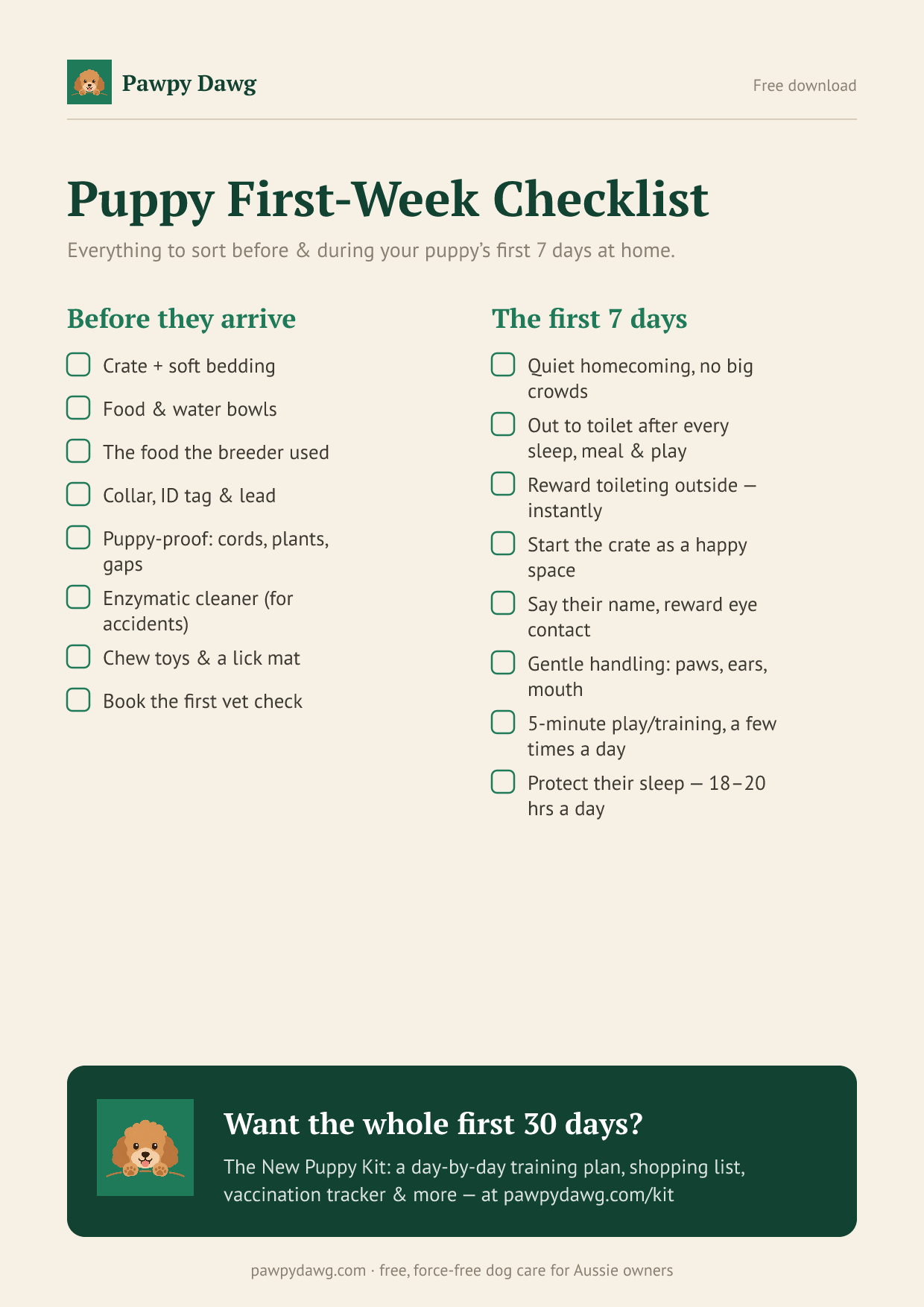
Free printable
Free: the Puppy First-Week Checklist
Everything to sort before and during your puppy's first 7 days home — a printable one-pager. Plus the occasional genuinely useful dog tip. No spam, unsubscribe anytime.
Related guides

Is Pet Insurance Worth It in Australia? The Honest Maths
Is pet insurance worth it in Australia? We crunch real premiums vs real vet bills — cruciate surgery, snake bite & more — so you can decide with confidence.
Read the guide →
How Much a Dog Really Costs Per Year in Australia (2026 Breakdown)
How much does a dog cost per year in Australia? 2026 line-item breakdown covering food, vet, insurance, grooming & the costs first-timers always miss.
Read the guide →
Dog Vaccination Schedule in Australia: What, When and What It Costs
Confused by C3, C5 and kennel cough? Here's your complete dog vaccination schedule Australia cost guide — puppy timelines, adult boosters & typical AUD prices.
Read the guide →